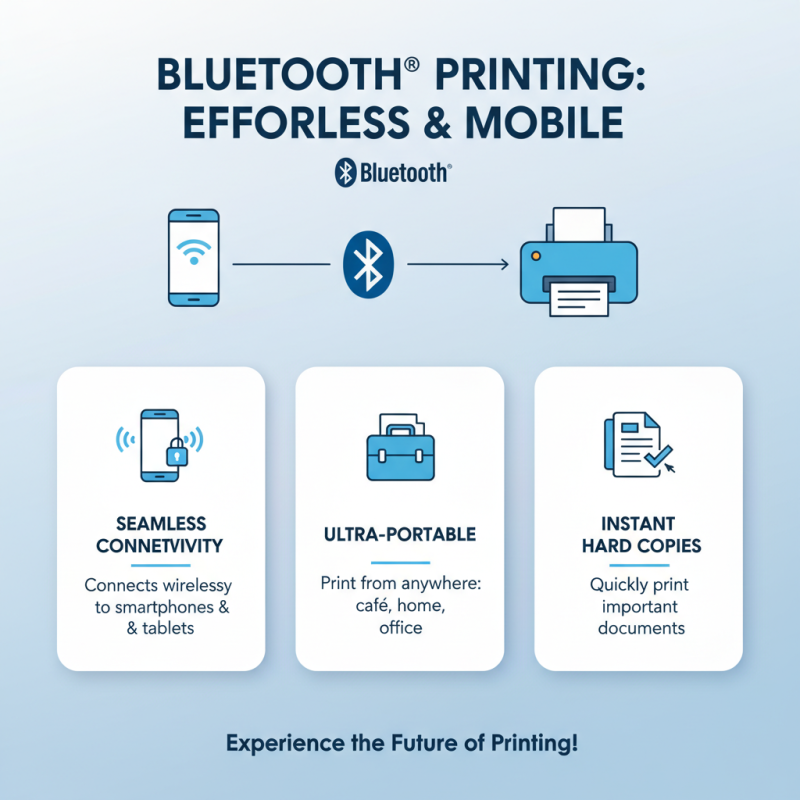
What is a Mobile Printer Bluetooth and How Does It Work?
In the evolving landscape of portable technology, Mobile Printer Bluetooth devices play a crucial role. They offer versatility for on-the-go printing, significantly enhancing productivity in various industries. According to a recent report by Allied Market Research, the mobile printing market is projected to reach $17.6 billion by 2026, driven by increasing demand for mobile solutions.
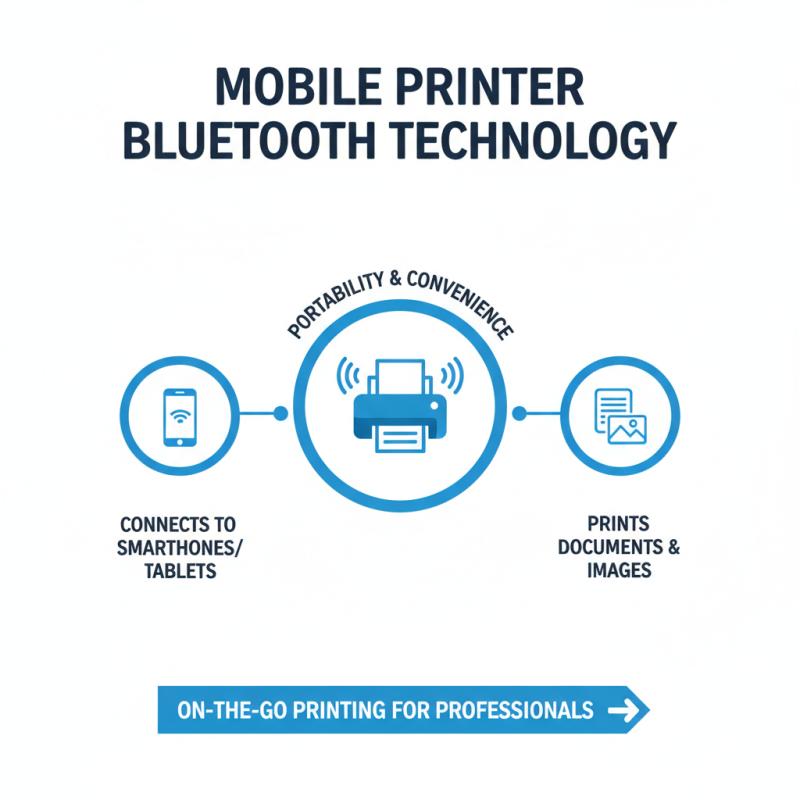
Steve Johnson, a leading expert in mobile technology, emphasizes, "Mobile Printer Bluetooth devices are revolutionizing how businesses approach printing." This technology enables seamless connectivity to smartphones and tablets, fostering an efficient workflow. With a compact design and wireless convenience, professionals can print receipts, labels, or photos anytime, anywhere.
Despite advancements, challenges remain. Battery life and print quality can be inconsistent. Users often encounter compatibility issues with devices. As technology improves, addressing these concerns will be essential for broader adoption. The future of Mobile Printer Bluetooth holds promise, but ongoing refinement is vital.
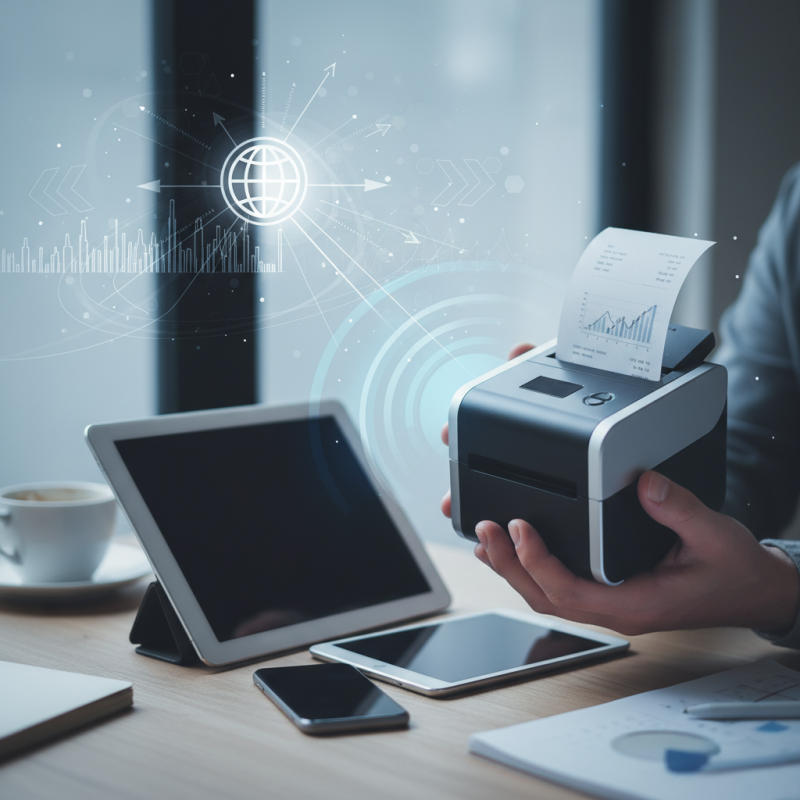
What is a Mobile Printer Bluetooth?
Mobile printer Bluetooth technology has gained popularity for its convenience and functionality. A mobile printer is a compact device that prints documents and images on the go. Often used by professionals, it connects via Bluetooth to smartphones or tablets. This portability allows users to print directly from their devices, which is incredibly handy in various situations.
Bluetooth-enabled mobile printers work by establishing a wireless connection with compatible devices. Users can easily send documents, photos, or receipts for printing through an app or built-in functionality. The range is typically limited to around 30 feet, making it suitable for close-range printing jobs. However, users may sometimes face connection issues. It can be frustrating if the printer doesn't recognize the device.
The ability to print wirelessly is a game changer in many industries. Delivery services, sales representatives, and healthcare professionals often rely on this technology. However, some users find that battery life can be an issue. Recharging frequently can disrupt workflow. Additionally, print quality may vary depending on the printer's specifications. This inconsistency can lead to dissatisfaction if expectations are not met.
Basic Components of Bluetooth Mobile Printers
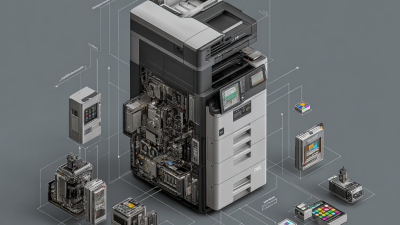
Bluetooth mobile printers consist of several key components that make them functional and user-friendly. At the core, they have a Bluetooth module. This module allows devices to connect wirelessly. It ensures data transfer is smooth. Most Bluetooth printers have a battery. The battery's life can vary, affecting usability. If it runs out, users may find it inconvenient.
Another essential component is the print mechanism. Common types include thermal printing and inkjet technology. Thermal printers are popular for their portability and ease of use. They create prints without using ink. However, the print quality can sometimes be lower than expected. Inkjet printers, while often bulkier, offer superior color prints. Yet, users may face issues with drying ink or cartridge replacements.
A user interface is also crucial. Many Bluetooth mobile printers feature LCD screens or simple indicator lights. These interfaces provide feedback and make operation easier. However, some users might struggle with complex settings. Finally, connectivity options are vital. While Bluetooth is standard, some printers also support Wi-Fi. This can enhance flexibility, but it complicates the setup. Users need to choose wisely based on their needs.
How Bluetooth Technology Enables Wireless Printing
Bluetooth technology has transformed the way we interact with printers. Mobile printers can now connect seamlessly to smartphones and tablets. This wireless capability makes printing on the go easier than ever. Imagine working in a café, and you need a hard copy of an important document. With Bluetooth, you can send the print job directly from your device.
The process is surprisingly simple. First, ensure that Bluetooth is enabled on both your mobile device and the printer. Once connected, documents can be sent for printing without needing cables. However, users sometimes encounter connection issues. It can be frustrating when the device fails to recognize the printer. Checking compatibility may help, but it's not always straightforward.
Bluetooth printing has its advantages and drawbacks. The convenience is undeniable, but you might find limitations in print quality or speed. Some models struggle with larger files. It’s essential to research before purchasing a mobile printer. Users need to reflect on their specific needs. How often do you print? What’s the required quality? These questions matter in finding the right solution.
Steps to Connect a Mobile Device to a Bluetooth Printer
Connecting a mobile device to a Bluetooth printer is a straightforward process. Start by turning on the printer. Ensure it is charged or plugged in. Activate Bluetooth on your mobile device. This is usually found in the settings menu.
Next, search for available devices. You should see your printer listed. Tap on the name to initiate pairing. Sometimes, you may be asked for a passkey. If needed, check the printer's manual for this information.
Tips: Always keep your devices close to each other during the pairing process. This reduces the chance of connection issues. If you encounter problems, try turning off and on the Bluetooth on your mobile device.
It might take a few tries to connect, so don't get frustrated. Sometimes, devices need to “talk” a bit longer before they link up. If you can't find your printer, check if it is in pairing mode. Remember, patience is key.
Common Uses and Benefits of Bluetooth Mobile Printers
Bluetooth mobile printers have become essential in various industries. According to a recent market report, this segment is expected to grow at a CAGR of 10.5% over the next five years. Mobility is a significant driver in sectors like retail, healthcare, and logistics. Workers can print invoices, labels, or patient wristbands on-site without returning to a central location. This convenience enhances productivity.
The benefits are clear. Bluetooth mobile printers enable quick access to print documents directly from smartphones or tablets. For instance, a study showed that businesses using mobile printing solutions saw a 30% reduction in workflow delays. This instant connectivity fosters better customer service as well. However, the adoption rate isn't uniform; some companies still hesitate due to concerns over connectivity and compatibility. It's crucial to consider these drawbacks when implementing mobile printing solutions.
Furthermore, the environmental implications pose a challenge. While mobile printers help reduce paper waste, they can lead to increased electronic waste. Implementing recycling programs for used devices can mitigate this issue. Ensuring that staff is trained in both using the technology and managing waste is equally important. It's a balancing act that requires ongoing evaluation and adjustments.
Bluetooth Mobile Printers - Common Uses and Benefits

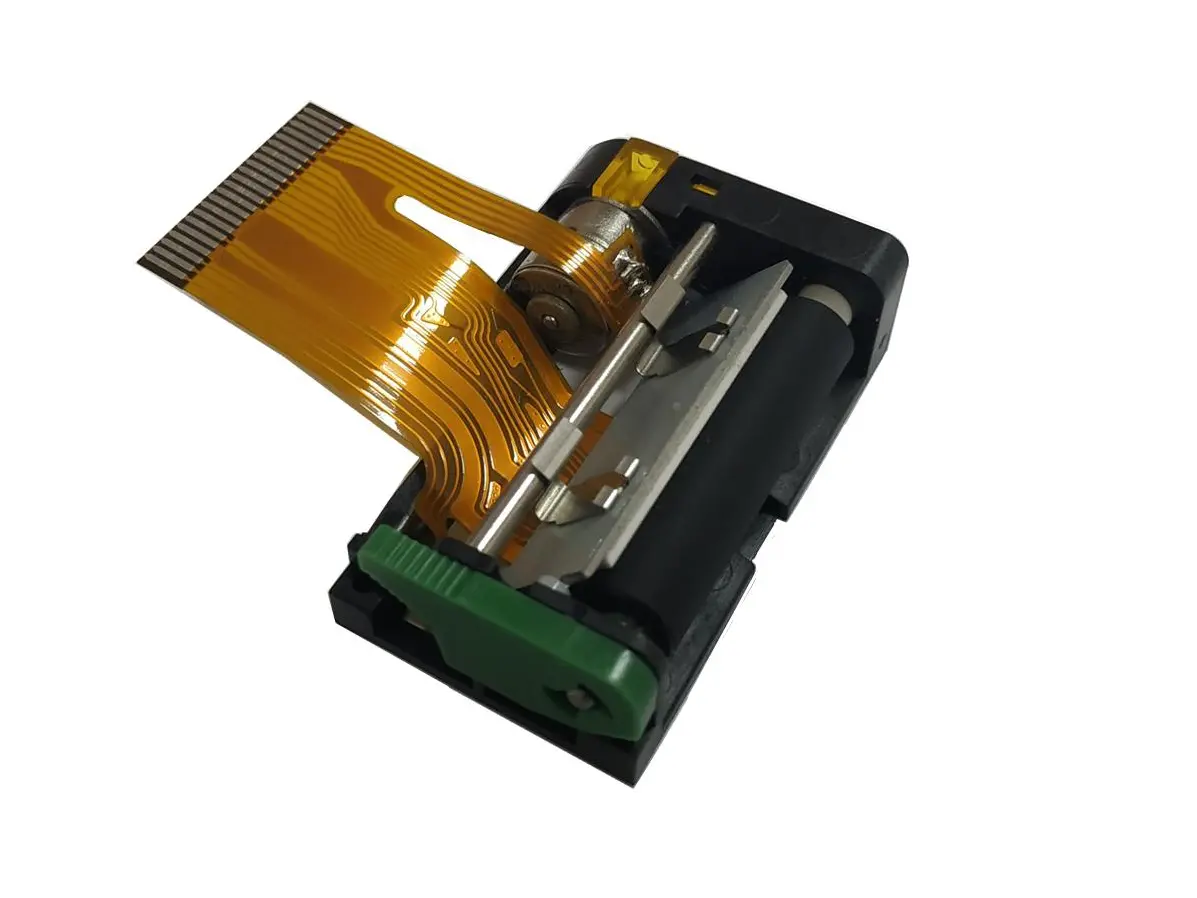 1 inch thermal printer mechanism
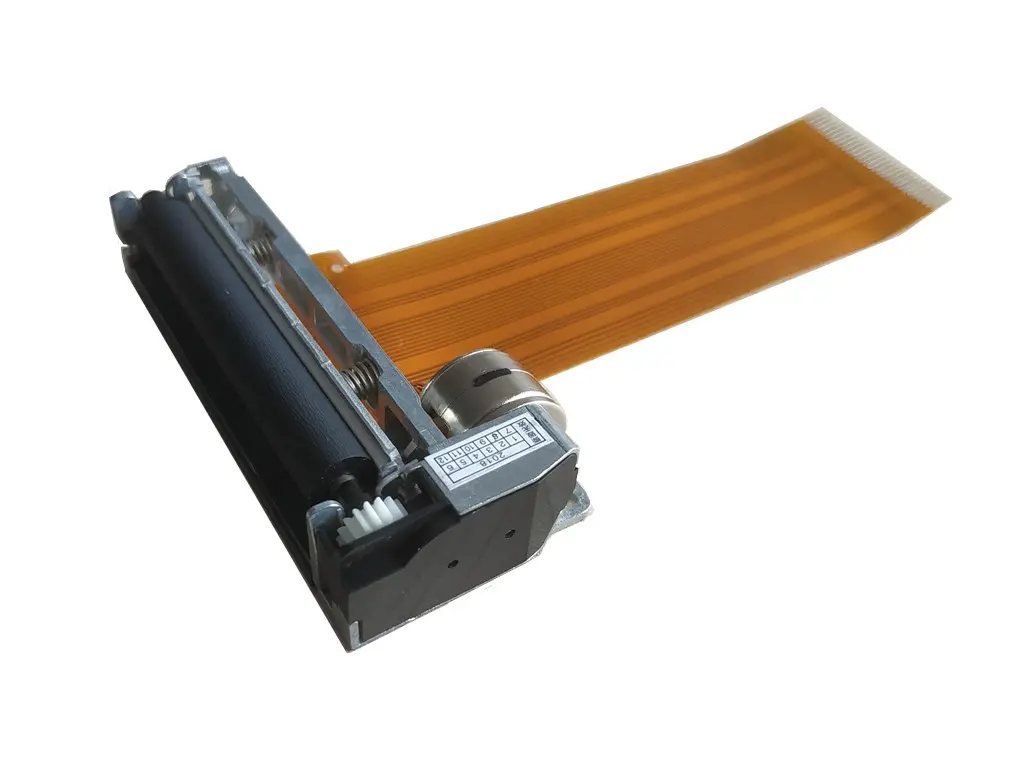 2 inch thermal printer mechanism
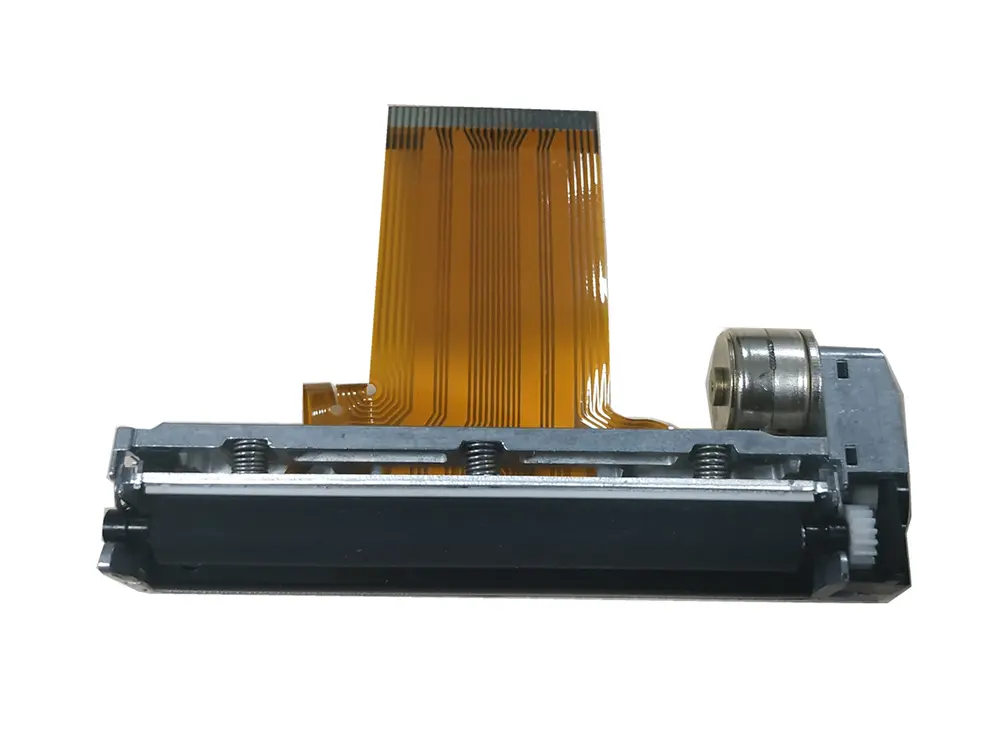 3 inch thermal printer mechanism
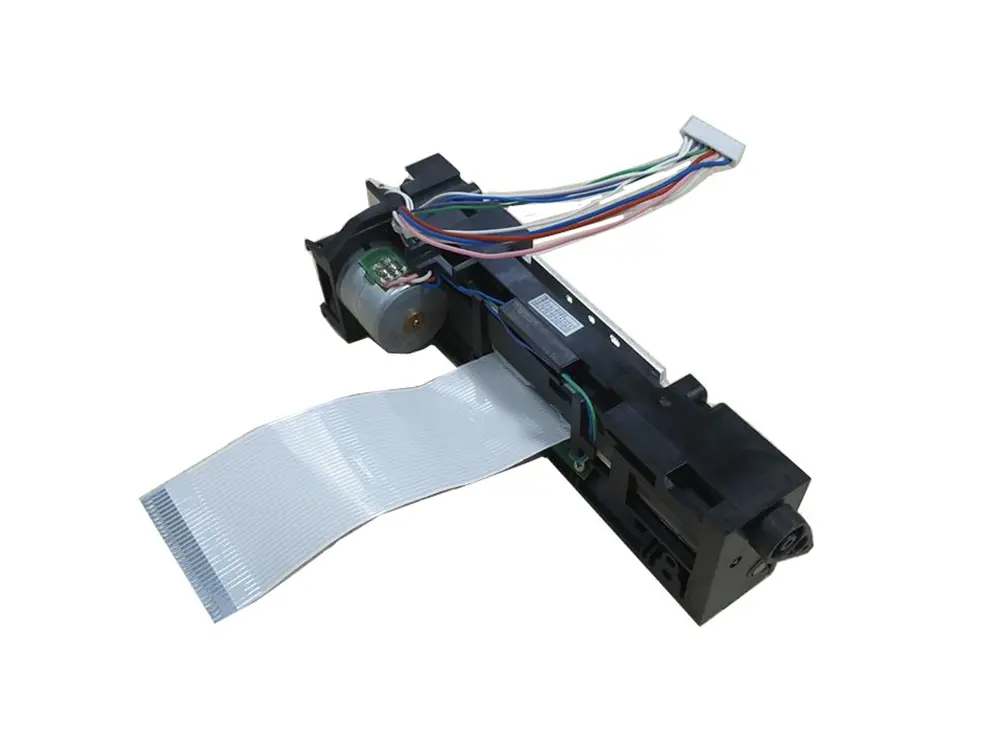 4 inch thermal printer mechanism
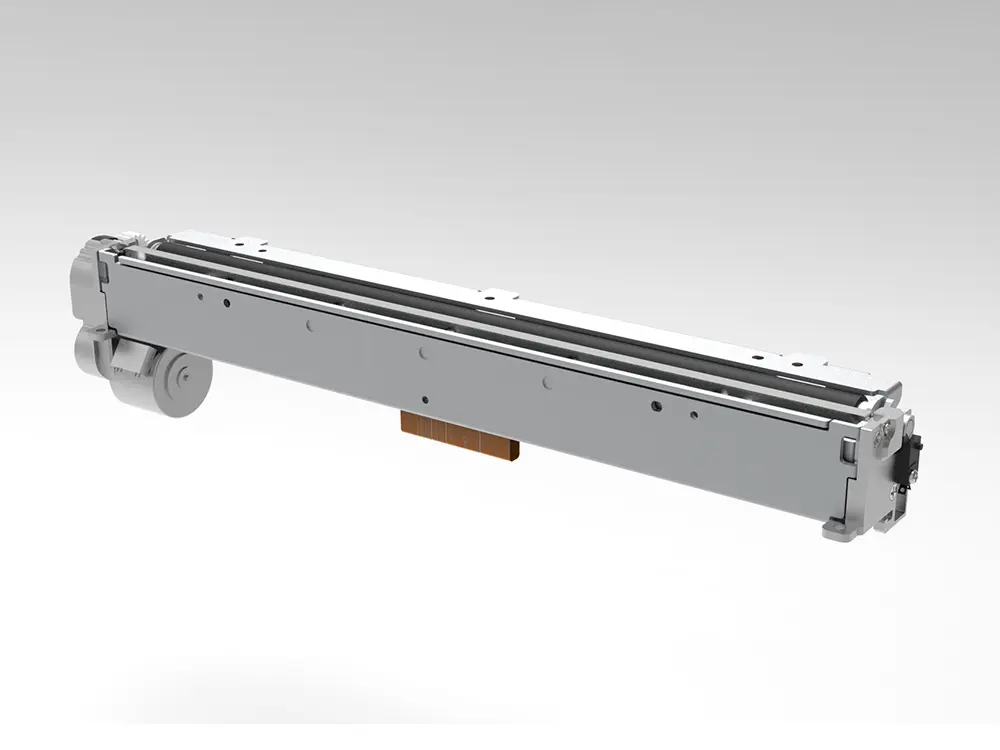 8 inch thermal printer mechanism
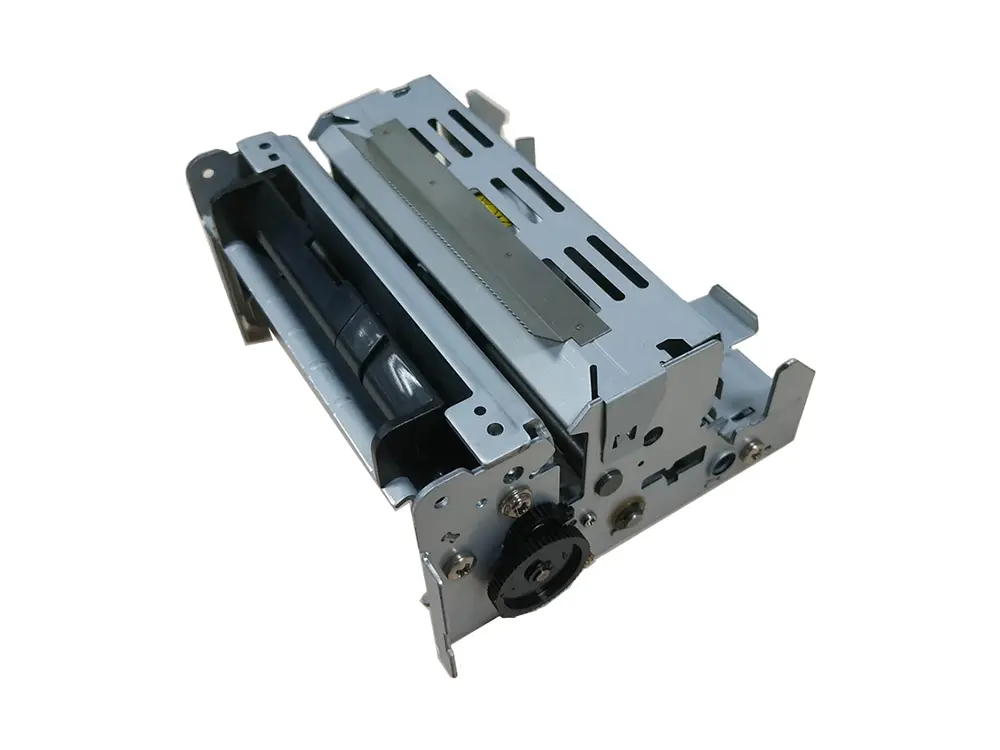 dot matrix printer mechanism
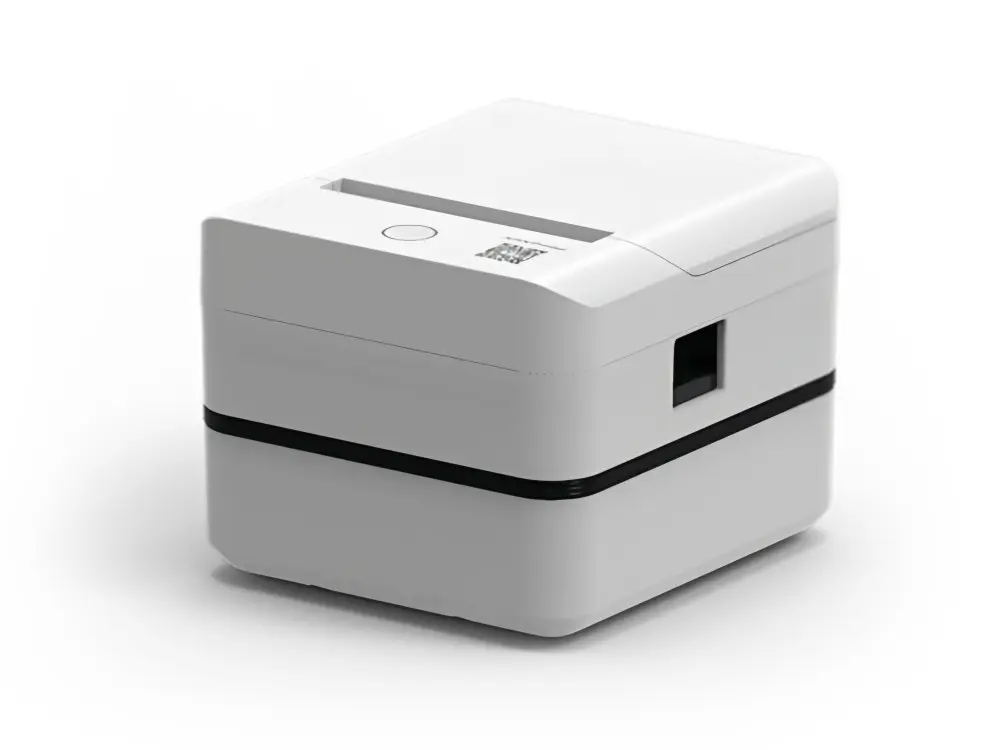 Label Printer
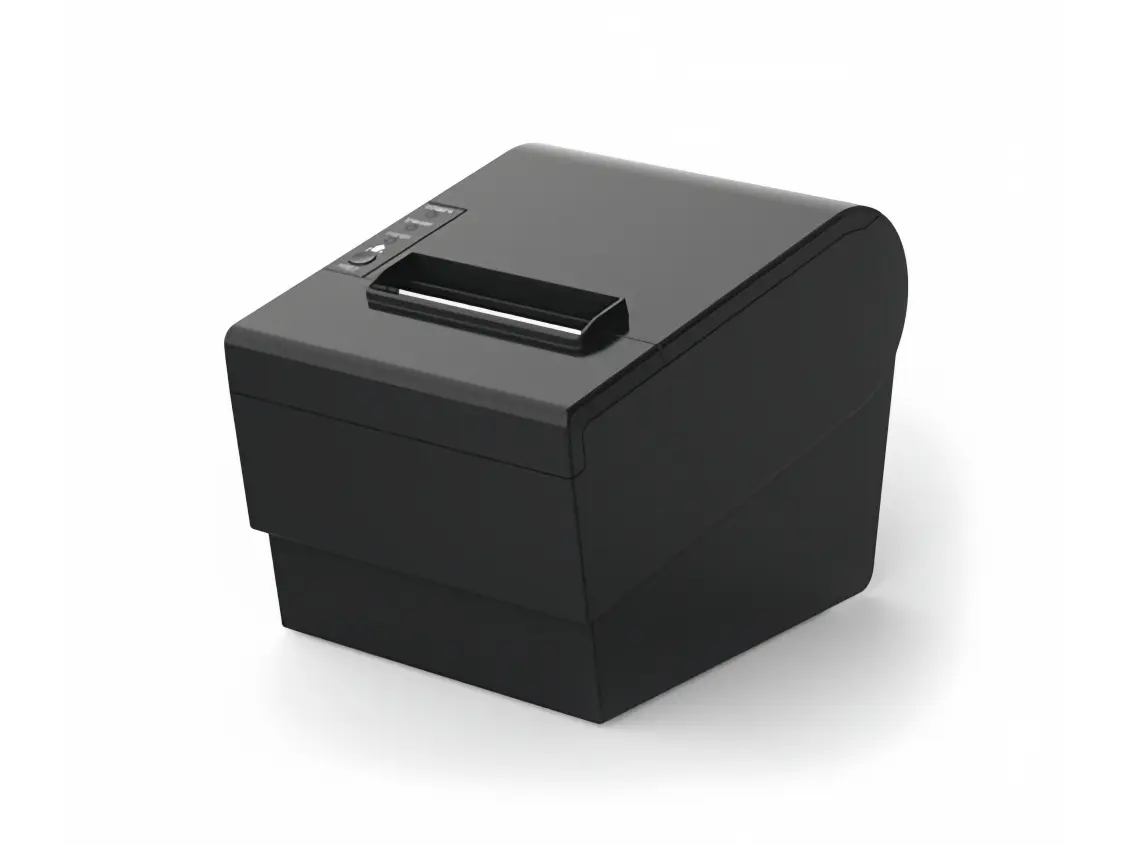 Receipt Printer
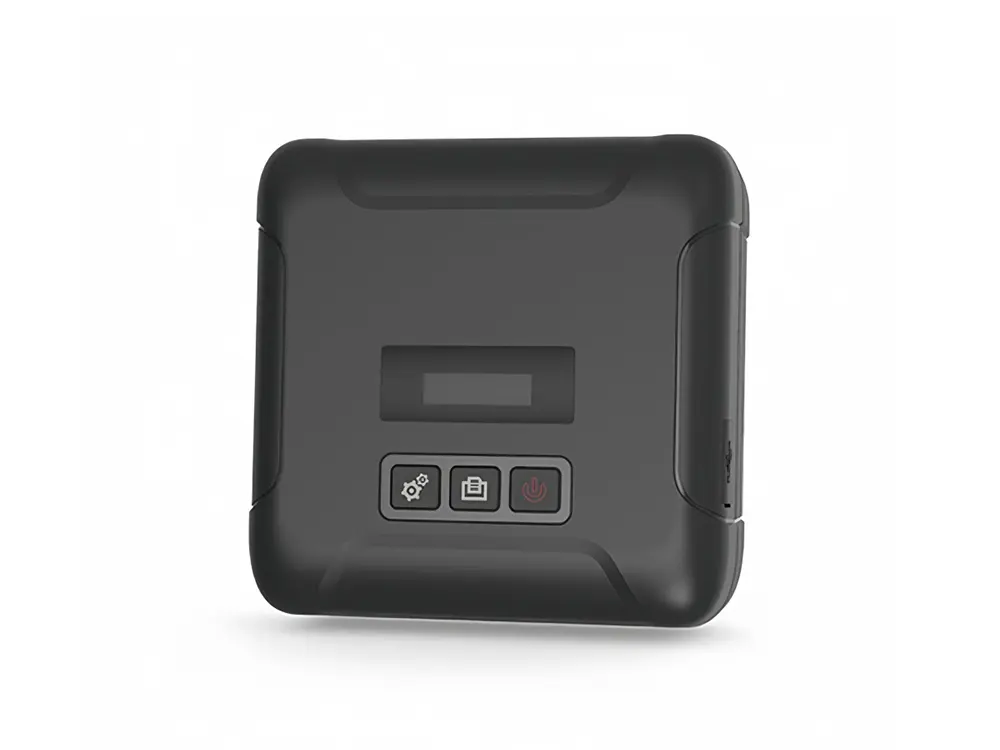 Mobile Printer